inZOI Optimization
When sending motion data to inZOI, we recommend completing the following two settings in order.
Load the inZOI VRM
First, use Load VRM to load the VRM file that comes with inZOI. Motion will then be solved based on the inZOI character's proportions and fit the character better.
Enable inZOI Optimization
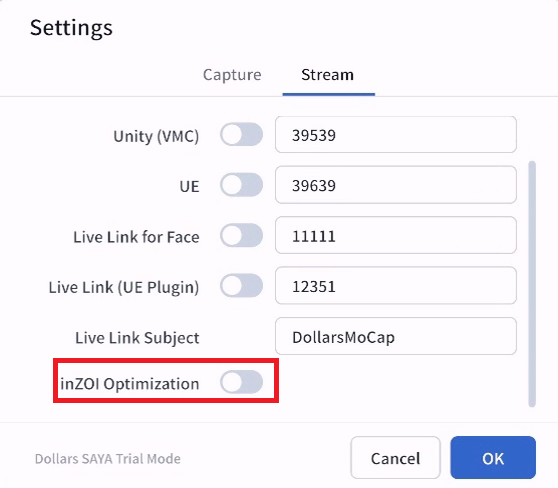
Then, enable the inZOI Optimization option in the SAYA settings.
What It Improves
With both settings in place, capture results improve in the following ways,
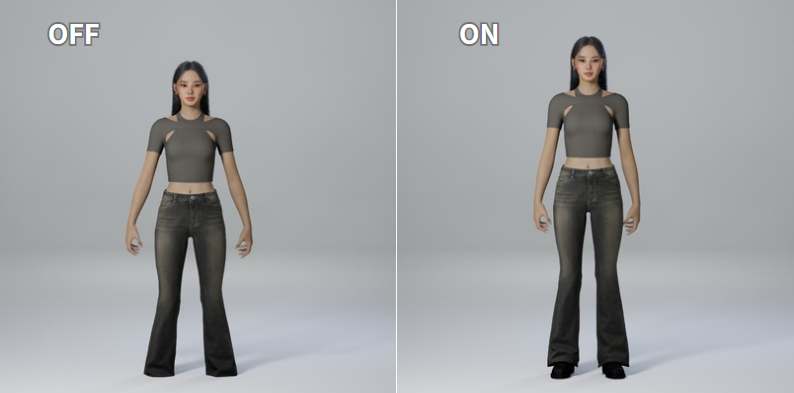
- A more natural standing posture, with less foot penetration into the ground.
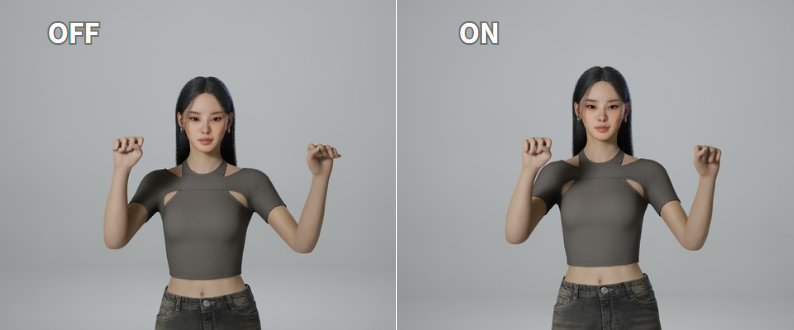
- Less finger distortion when the hands are clenched into fists.