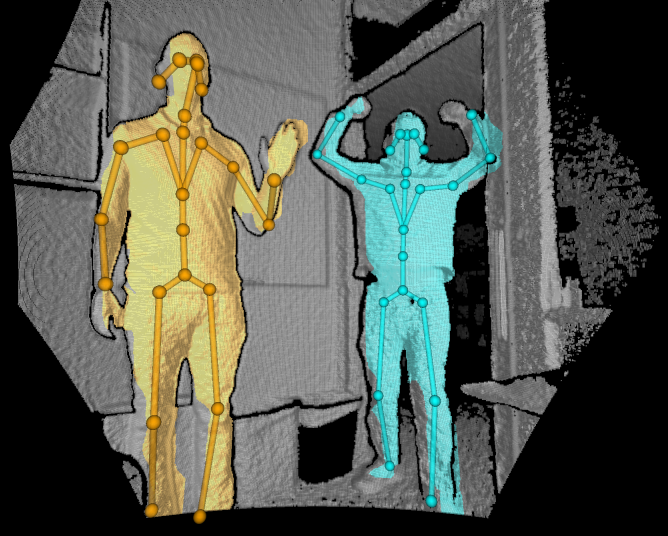
Connecting Femto Series
Before using DEEP, please follow these steps to ensure that Femto series is properly connected and can perform skeletal recognition.
Ensure Camera is Functioning
- Download and run OrbbecViewer.
https://github.com/orbbec/OrbbecSDK/releases
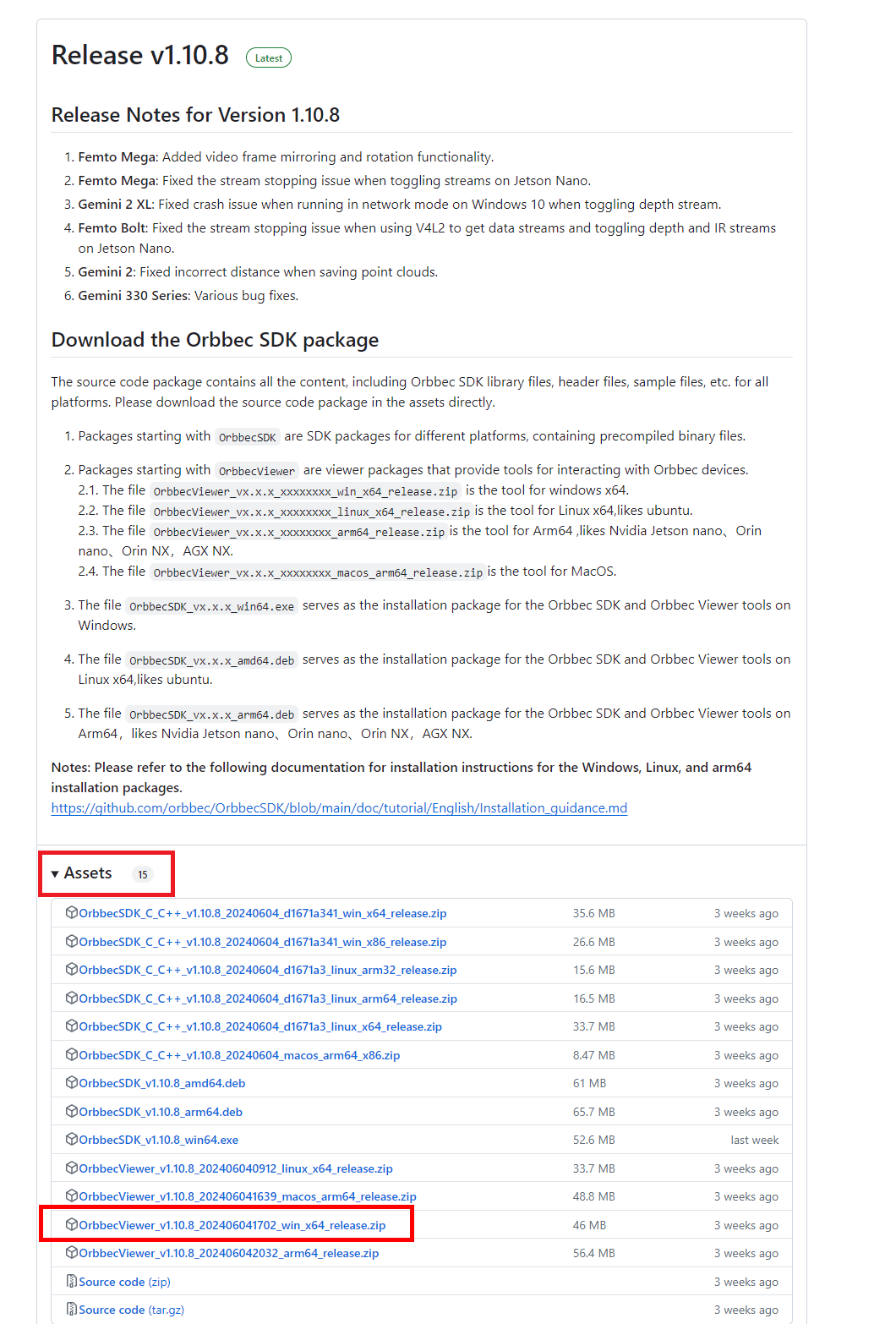
-
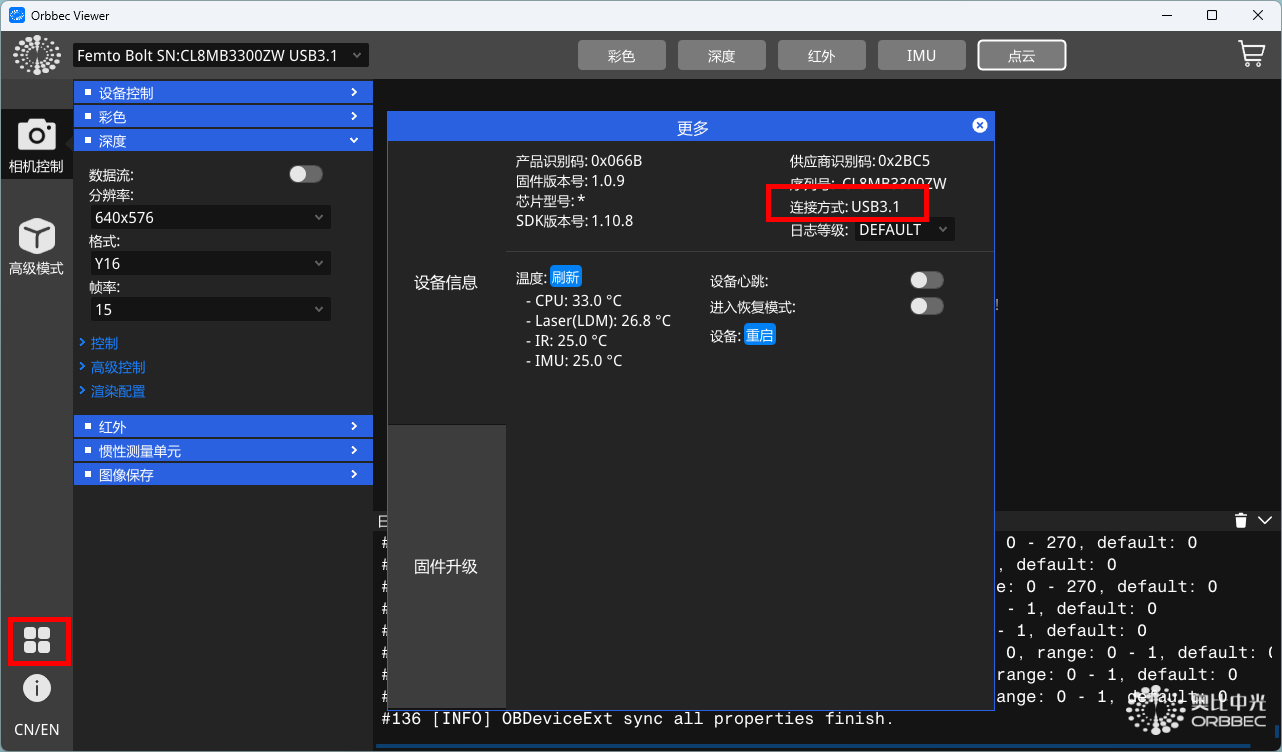
- Click on the four squares at the bottom left. In the pop-up dialog, confirm that the connection mode is set to 3.1.
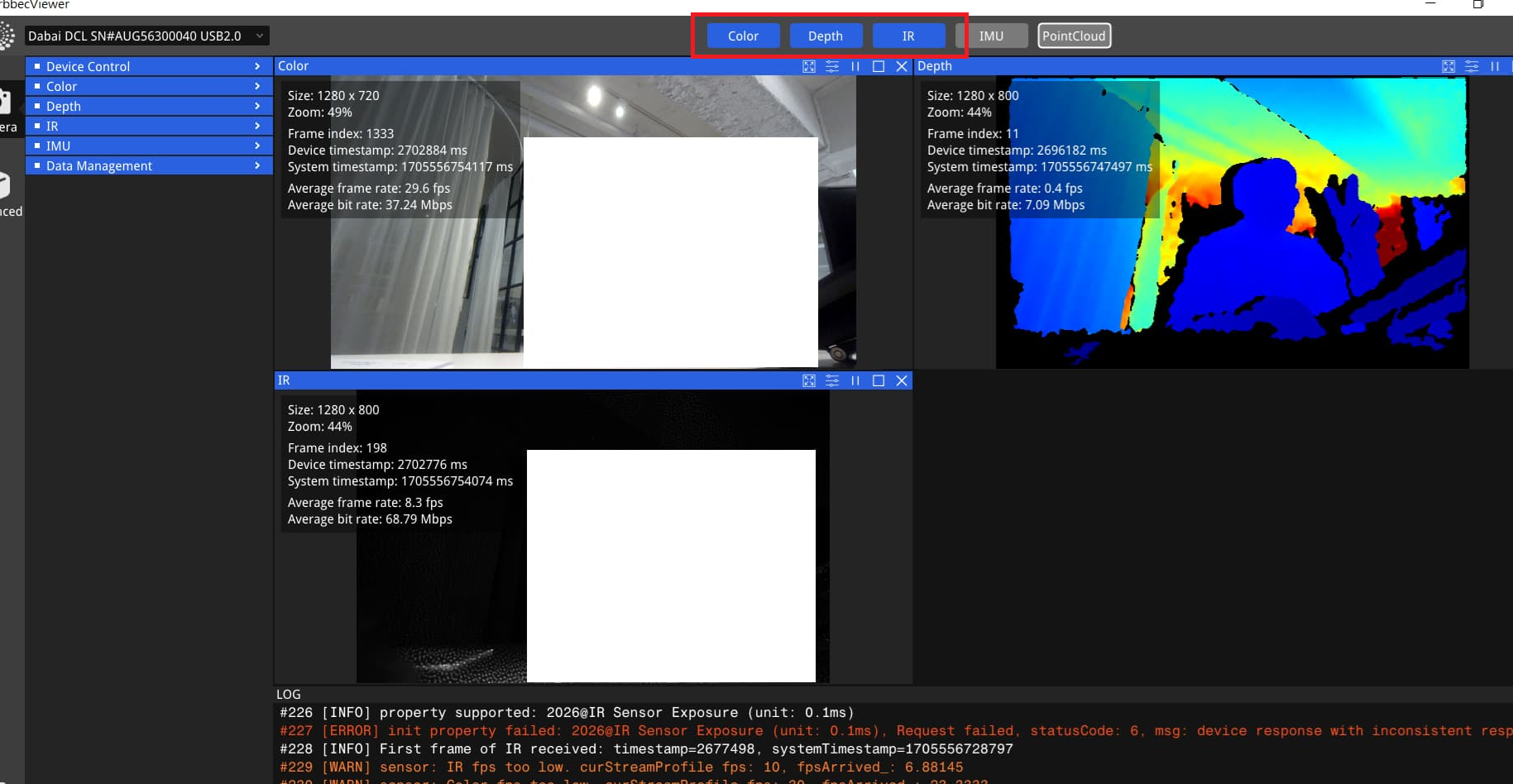
- Click the top button to ensure that each camera is outputting correctly.
Ensure Skeletal Tracking is Functioning
Download and install the Azure Kinect Body Tracking SDK.
(From https://github.com/orbbec/Azure-Kinect-Samples )
After extraction, run Azure Kinect Body Tracking SDK\tools\k4abt_simple_3d_viewer.exe and confirm that skeletal tracking is functioning properly.